AINA assistant
Generate drafts, rewrite sections, summarize notes, translate content, and outline documents.
A clean word processor for serious documents. Draft with AINA, format rich content, import and export familiar files, scan sensitive text, and protect work with ZelEn quantum-safe encryption.
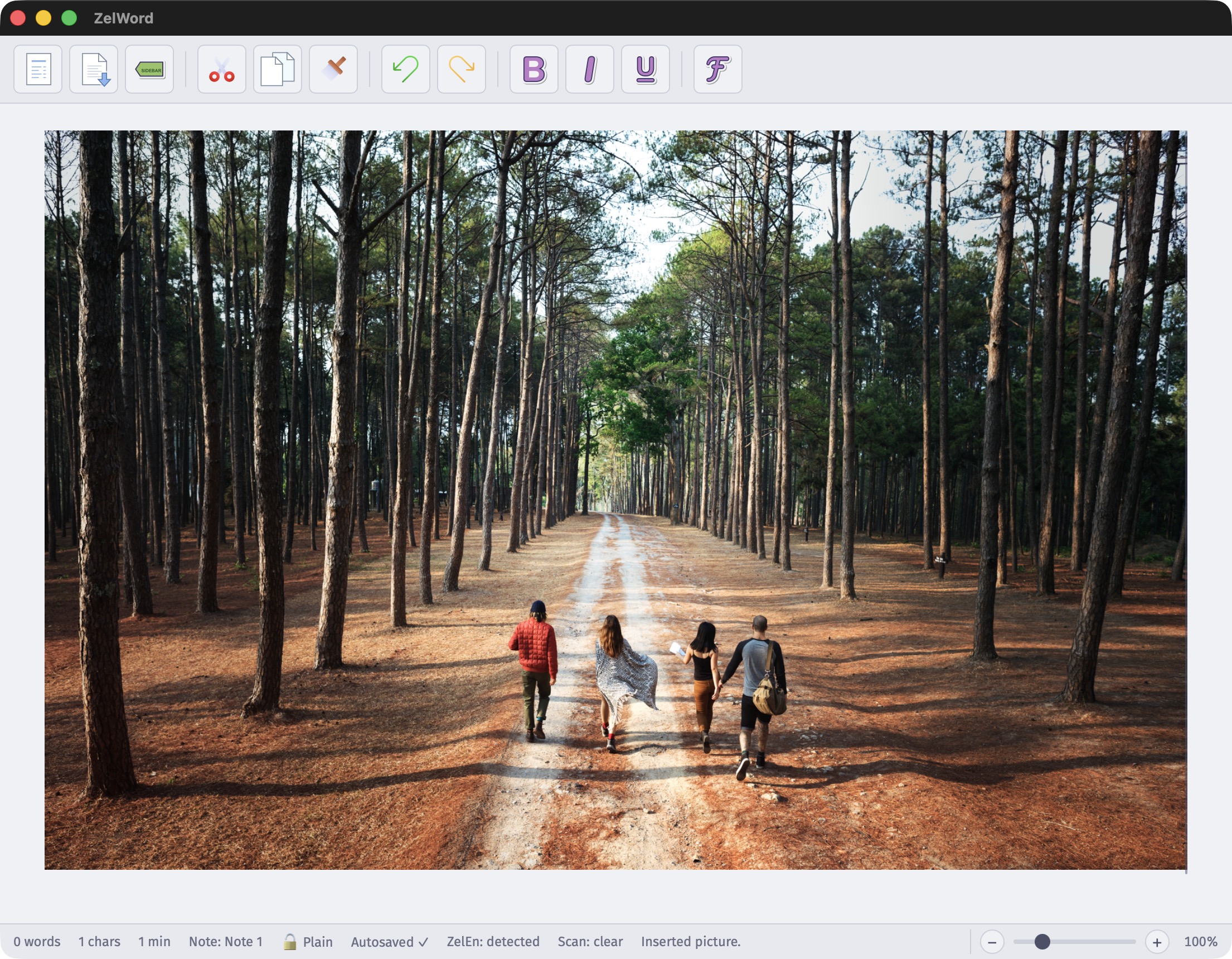
// document workflow, verified
ZelWord keeps the interface focused and the workflow complete: generate, edit, scan, encrypt, and export without moving the document through a chain of tools.
Generate drafts, rewrite sections, summarize notes, translate content, and outline documents.
Preserve rich local documents while still moving through common import and export formats.
Check for secrets, keys, PII, and risky content before a private draft leaves your machine.
Use quantum-safe encryption workflows when a document deserves stronger protection.
// built for focused documents
ZelWord is designed around the work: write the document, improve it with AINA, add rich structure, and finish with clean export paths.
Ask AINA for proposals, policies, reports, outlines, lesson plans, briefs, and structured document starters.
create →Shorten, expand, simplify, translate, or sharpen selected text without leaving the writing surface.
refine →Add headings, lists, images, tables, links, notes, equations, colors, and page-style writing.
compose →Work with DOCX, HTML, Markdown, TXT, RTF, ODT, EPUB, PDF-derived content, and native .zelw files.
move files →Review sensitive information before sharing, publishing, or exporting business-critical documents.
inspect →Use a deliberate encryption workflow with private key handling and clear encrypted document state.
protect →// inside zelword
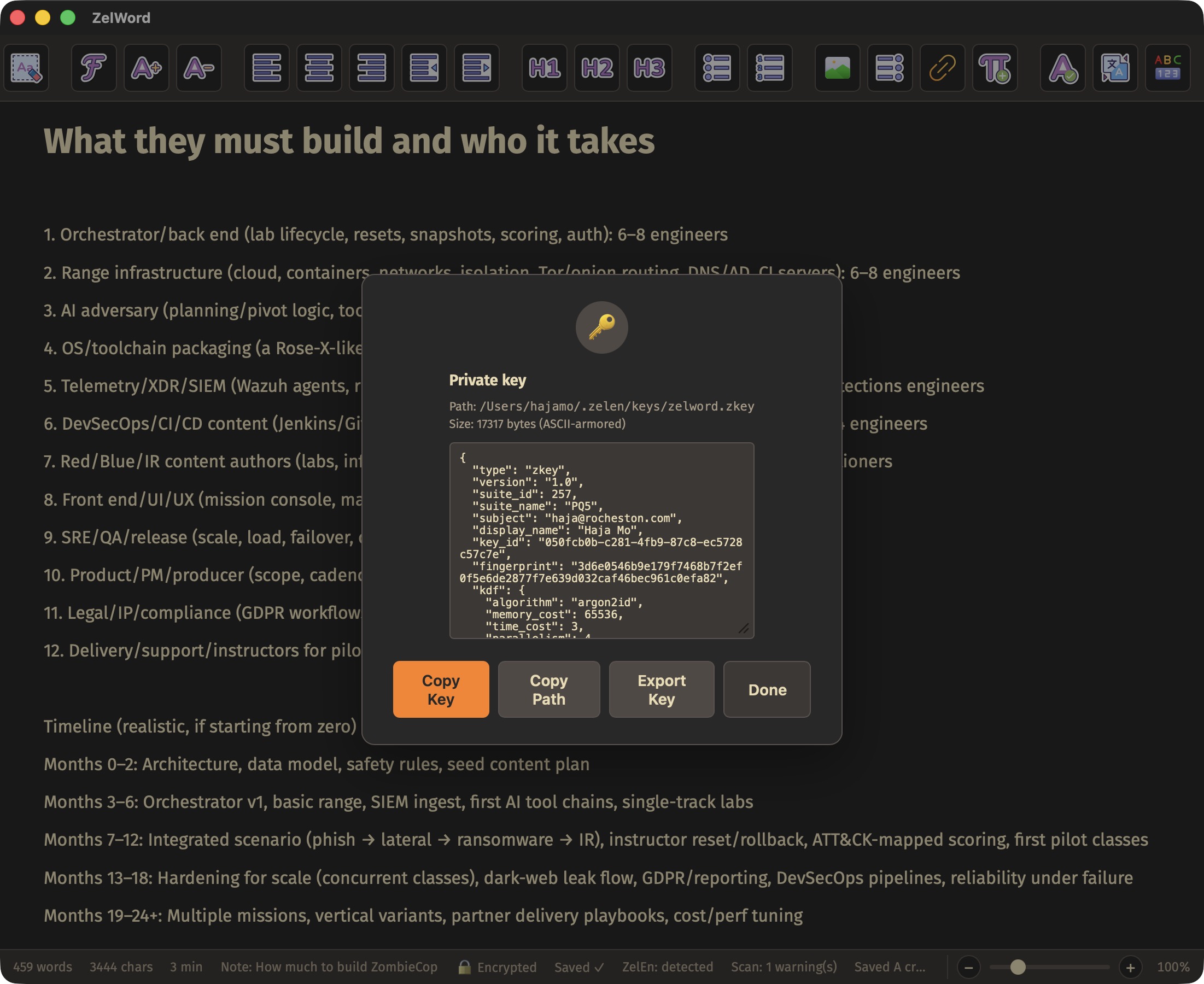
The app keeps the document visible while giving you quick access to AINA, scan status, export, zoom, private keys, themes, and rich editing tools.
// get zelword
The macOS app is distributed through the Mac App Store. Linux remains available as a portable package with checksum verification, and Docker provides a repeatable extraction and ZelEn CLI path.
Available through the Mac App Store for Apple Silicon Macs.

Portable Linux desktop build. Requires GTK 3 and WebKit2GTK 4.1 system libraries.
f0248603f014266923b8c44773afa29db5758e31b778accd4bc4e6d1612b13c9Pull rocheston/zelword to extract the Linux portable build or run the ZelEn CLI.
// import and export
ZelWord keeps its own rich native format for local work, then exports cleanly when you need to collaborate, publish, archive, or migrate.
$ import notes.docx
loaded rich text, headings, images

$ aina summarize --style executive
created summary, action items, risks

$ scan --before-export
passed no sensitive secrets detected

$ export final.pdf final.docx
// docker hub
The Docker image is not a GUI container. It carries the Linux portable build, the ZelEn CLI, and documentation for repeatable desktop extraction.
$ docker pull rocheston/zelword:latest

$ docker run --rm -v "$PWD:/out" rocheston/zelword \
    cp /opt/zelword/ZelWord-linux-x64.zip /out/

$ docker run --rm -v "$PWD:/data" rocheston/zelword \
    zelen keygen --out /data/key
// faq
ZelWord is a real desktop writing surface first. AINA, scanning, encryption, and export are there when the document needs them.
// ready
Start with a sentence, an old file, scattered notes, or a prompt. ZelWord gives you a cleaner place to shape the work.